Submission packs
Bring client emails, schedules and loss runs into a submission. Ask for missing information before it goes to market.
Broker submission preparationNavi reads the case documents and completes the submission pack, quote comparison or policy check.
It fills your templates, checks the details and prepares the finished output. Track missing information, approvals and external responses through to completion.
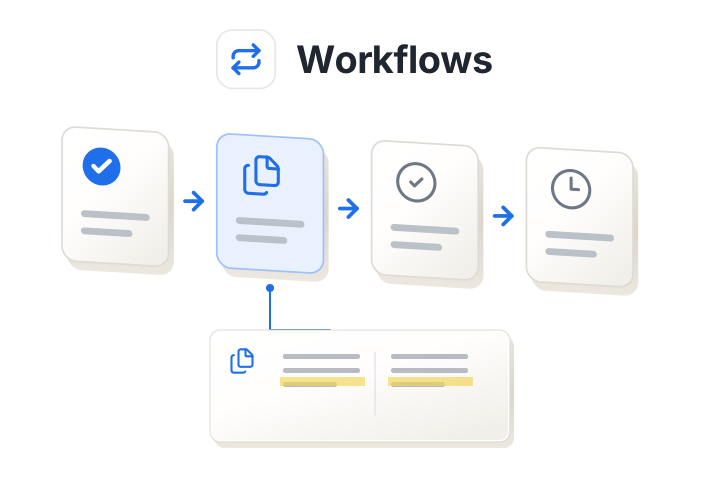
Run Policy Comparison, check the extracted values against their sources, then let Navi prepare the email. The £2m agreed limit and £1m issued limit stay flagged throughout.
Bring together the emails, PDFs, spreadsheets and other documents. Ask for the work you need, such as a submission pack or a policy check.
Navi checks the information against your rules and source documents. Review conflicting terms, missing information and the evidence behind a finding.
Get the populated form, comparison, proposal or email in your team’s format. Resolve outstanding questions, review the result and approve the finished work.
A broker preparing a placement and an MGA reviewing an incoming submission need different results. Configure Workflows around the documents and decisions your team handles.
Bring client emails, schedules and loss runs into a submission. Ask for missing information before it goes to market.
Broker submission preparationUse the browser extension to fill forms with information from the case. Check the fields before submitting.
MGA submission intakeCompare premiums, limits, excesses and wording. See which terms differ and where each figure came from.
Quote comparisonCheck the issued policy against the quote and binder. Review discrepancies and a prepared correction request.
Policy checkingPopulate your proposal template with the comparison and recommendation. Edit the draft and approve the final version.
Proposal generationPrepare a missing-information request, a carrier follow-up or a client email alongside the case. Your team reviews the wording before sending.
Use your submission forms and branded proposal layouts. Navi prepares the draft in the format your team needs.
Check cases against client requirements, appetite, underwriting guidelines and delegated authority. Review exceptions before deciding how to proceed.
Fill forms through the browser extension and connect the systems involved in the case. We agree the required connections with your team during implementation.
HypoHaus
HypoHaus uses Parsewise to map mortgage application documents into underwriting templates, flag missing information and identify inconsistent income figures. The team can trace the figures back to their source documents.
Read the HypoHaus storyOpen a source citation to check a figure or clause. Review low-confidence results and conflicting information before you use the output.
Included on every plan, with MFA as standard. Business and Enterprise include SSO.
Explore security and trustA workflow run is one execution of a task on a case and its documents. Each run has a hard maximum of 500 pages and uses medium-complexity extraction.
Workflows is included in Growth, Business and Enterprise. Standard workflows are ready off the shelf and included; custom workflows are scoped and charged separately. There are no workflow usage credits or overages.
Analytics works across larger datasets and can use previous Workflows case data. It is available on Business and Enterprise and uses a separate credit model.
Explore AnalyticsStart with the workflow taking up your team's time. We'll show how Navi handles it, discuss your wider needs and build a custom demo your team can test.