Compare quotes, policies and requirements
Client requests and quotes arrive by email. Parsewise checks quotes against the requirements and the expiring policy, then sends the broker a ready comparison.
Every carrier sets out their quotes differently
Limits, excesses and exclusions are worded differently in every quote. Copying them into a spreadsheet takes time and separates each figure from the wording behind it.
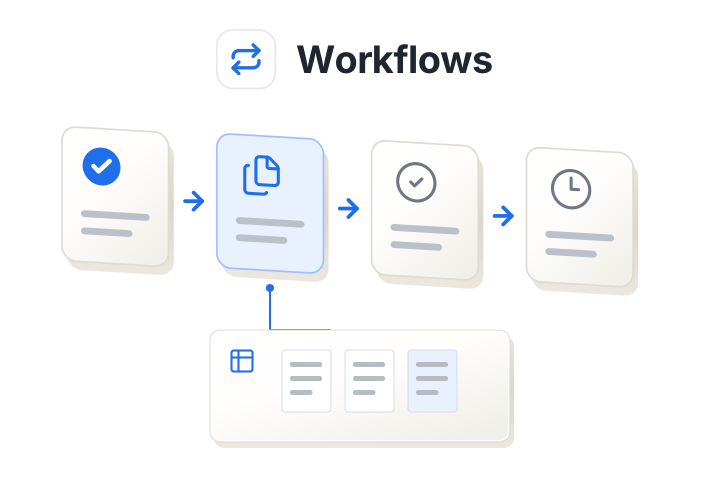
Workflow steps
01
Quotes arrive by email
Connect the inbox carriers reply to. Each quote is picked up and matched to its client.
02
Checked against requirements
Premiums, limits, excesses and exclusions are compared with the client's brief and expiring policy. Gaps are flagged.
03
Ready in the broker's inbox
The broker gets a draft email with the comparison and any flags. If nothing is flagged, the submission is prepared too.
From client
Renewal requirements
- Flood cover £2m
- Excess up to £20,000
Draft to broker
Renewal: 3 quotes compared
- Harbor excludes flood
- Cedar limits flood to £1m
- Elm excess is £25,000
Comparison.xlsx
Every offer read the same way, at any volume
Platforms and broker pools compare offers from dozens of insurers. Parsewise reads each offer with its policy conditions and pulls out the same terms for the line of business: premium, sum insured, deductible, aggregate limit and every coverage module. Each module is then rated against the main cover.
- Covered up to the full sum insured.
- Restricted: a lower sub-limit or a higher deductible, with the figure stated.
- Excluded, or optional and not selected.
Every value and rating links to the passage it came from. When a reviewer corrects one, later offers are read with that correction.
Run a comparison platform? See how it plugs in- Fire
- Burglary
- Flood
- Hail
Hail: deductible 1,000 EUR
Customer case study

Thinksurance places commercial insurance in Germany, with nearly 200,000 insurer quote requests a year. Its teams use Parsewise to extract the same product features from every offer and rate each coverage module against the main cover. It went live within weeks and is now part of Thinksurance's tender process.
Read the Thinksurance storyConfigure it around your team
During implementation, we agree the documents, rules and outputs this workflow needs.
- The inboxes and carriers to connect
- Rules for flagging differences
- Your email and submission templates
Bring a comparison your team spends time on
We'll start with the task your team handles, demonstrate how Navi prepares the work and discuss a custom demo you can test.

Start with a demo or a test run
Book a demo
Pick a time that suits you. You add your name and email when you book. Calendar not loading? Open the booking page.
Prefer email? sales@parsewise.ai
Rather see results on your own offers before a call?