Claims WorkflowsCoverage check
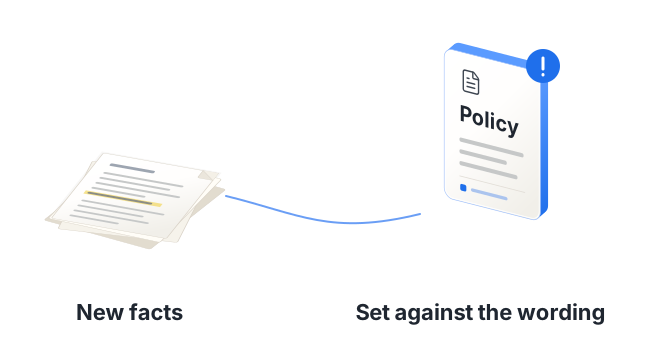
Check new facts against the wording before the position shifts.
A new date, place, party or cause of loss can change the coverage position long after a claim was accepted. Navi checks each new fact against the wording, endorsements and exclusions, and flags where cover may be in question or part of a claim falls outside it, citing the clause. The coverage decision stays with your handler.
For complex casualty, property/BI and financial lines claims
The problem
On a long file, the coverage position can drift
New facts, same wordingA later injury date, a claim in another country or a new party can test the policy period, the territorial limits or the aggregation.
The relevant clauses are far apartThe trigger, the batch clause and the endorsements sit in different sections of a long wording.
Lead and follow can disagreeInsurers on the same risk can read the same facts differently. The file needs to show what the wording says and where.
How it works
Each new fact is checked against the policy you hold
Load the policy
Schedule, wording and endorsements are read once and kept with the claim.
Navi checks what's new
When a document brings a new date, place, party or head of claim, Navi checks it against the relevant sections, endorsements and exclusions and flags any question on cover, with the clause cited.
Your handler decides
The handler reads the flag next to the wording and records the coverage position on the file.
Example
A late claim under a batch clause
When the German claim arrived on our sample Halden Thermal file, Navi flagged:
The claim form dates the injury to 14 July 2025, after the policy expired on 30 June 2025
German claim form, p. 1; policy wording, s. 3.2German counsel's letter gives 14 June 2025, which would fall inside the period. The two dates need resolving
German counsel letter, p. 2If the July date is right, cover depends on the batch clause, which treats claims from one batch as one occurrence
Policy wording, s. 3.4, p. 6
What you get
What your team gets
- Coverage questions and uncovered heads of claim flagged as new facts arrive
- The clause and page cited for every flag
- Conflicting dates and figures across documents caught
- Your handler's coverage position recorded on the file
Claims Workflows
More from Claims Workflows
See a coverage question raised as it happens
We'll add a late claim to a product liability file and show how Navi sets it against the policy period and the batch clause, with every point traced to its page. Then we'll scope a pilot on your own files.
Book a demoHosted in Europe · SOC 2 Type II · GDPR compliant